


The ultimate troubleshooting guide to bypass ISP blocking and fix IPTV freezing forever
The ultimate troubleshooting guide to bypass ISP blocking and fix IPTV freezing forever The Scenario: Your IPTV works flawlessly all morning. But at 8:00 PM, exactly when the...
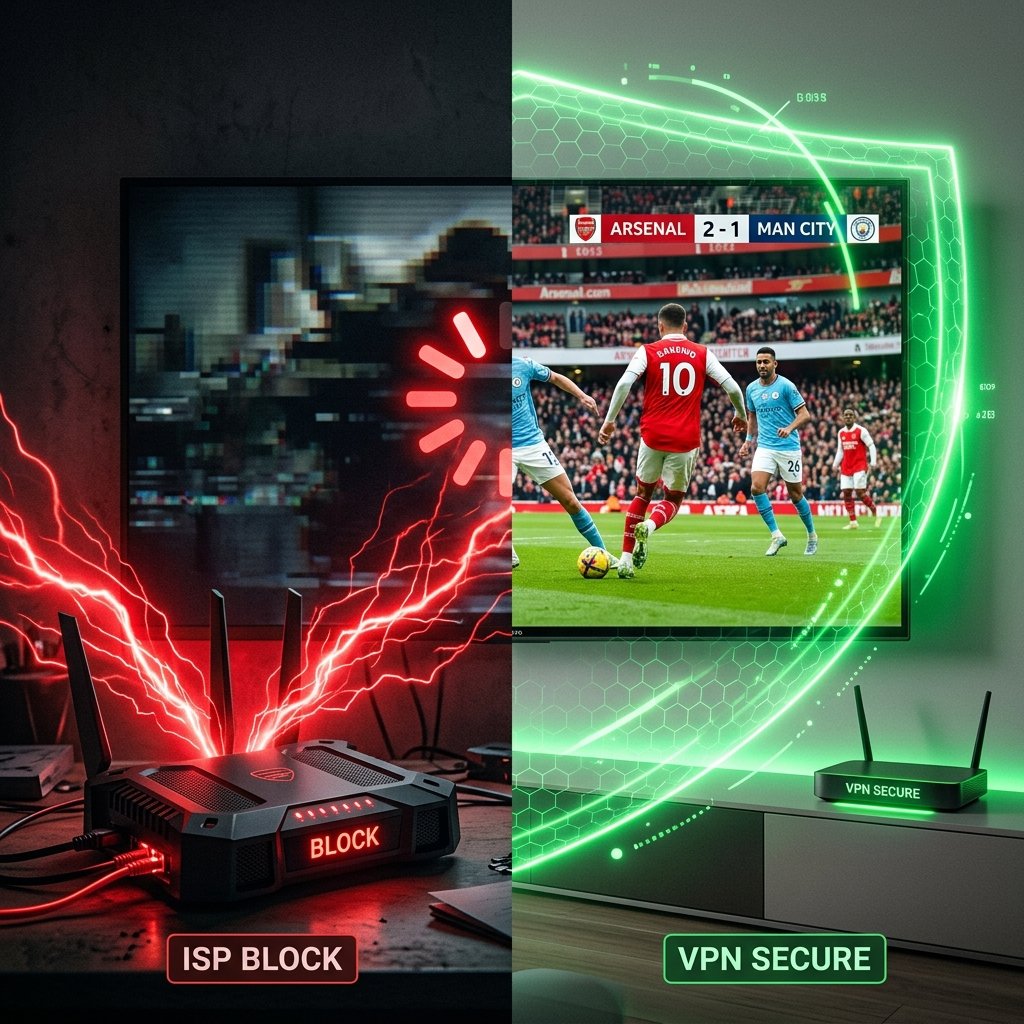
Why ISPs Block IPTV During Big Matches
If you visit any community forum like Reddit’s r/IPTV or r/TiviMate, the most common complaint is peak-hour buffering. Users often assume their IPTV provider’s servers are crashing. While bad providers do exist, the real culprit is usually Deep Packet Inspection (DPI).
Internet Service Providers (like Sky, BT, Comcast, or Orange) have partnerships with major sports broadcasters. When a big match starts, ISPs actively scan internet traffic. If they detect heavy streaming traffic coming from known IPTV data centers, they intentionally throttle (slow down) your connection to those specific servers. This is why your Netflix works perfectly, but your IPTV buffers.
The 3-Step Fix: How to Bypass ISP Throttling
You don’t need a degree in IT to fix this. Follow this proven hierarchy of troubleshooting steps used by streaming experts in 2026.
| Step | The Solution | Why it works | Success Rate |
|---|---|---|---|
| 1 | Use a VPN (Virtual Private Network) | Encrypts your traffic so your ISP cannot see you are streaming IPTV. They cannot block what they cannot see. | 95% |
| 2 | Change your DNS to Cloudflare (1.1.1.1) | Bypasses basic ISP domain blocks. Many ISPs block the web address of your IPTV provider. | 60% |
| 3 | Use an Ethernet Cable (No Wi-Fi) | Wi-Fi drops packets during high network congestion. An Ethernet cable guarantees a direct data pipeline. | 80% |
Step 1: Use a VPN (Success: 95%)
Encrypts your traffic so your ISP cannot see you are streaming IPTV.
Step 2: Change DNS (Success: 60%)
Bypasses basic ISP domain blocks using Cloudflare (1.1.1.1).
Step 3: Ethernet Cable (Success: 80%)
Fixes packet loss caused by unstable Wi-Fi connections.
TiviMate Tweaks: The Secret Settings
If you are using TiviMate, the most popular player in 2026, you can make two quick adjustments to fight buffering:
Increase Buffer Size: Go to Settings > Playback > Buffer Size. Change it to “Large” or “Very Large”. This forces the app to download more of the video in advance, surviving small ISP connection drops.
Change User-Agent: Go to Settings > General > User Agent. Type exactly: Mozilla/5.0. This tricks basic ISP filters into thinking you are just browsing a website instead of streaming an M3U playlist.
The Ultimate Truth: Your Provider Matters
If you have tried a VPN, plugged in an Ethernet cable, and tweaked your player, but the buffering persists… it is time to face the truth: Your IPTV provider is overloading their servers.
Many cheap providers cram 10,000 users onto a server meant for 1,000. When the match starts, the server physically cannot send the video data fast enough.
Stop paying for cheap, overcrowded servers. Our Premium IPTV subscription uses load-balanced servers with built-in Anti-Freeze technology. For just $35.99 for an entire year, you get direct private routing that ISPs struggle to detect, ensuring your 4K sports streams never loop again.
Frequently Asked Questions
How can I test if my ISP is blocking me?
The easiest test is to turn off your home Wi-Fi and connect your TV or Firestick to your mobile phone’s 5G hotspot. If the buffering instantly stops on mobile data, your home ISP is 100% throttling your connection.
Does internet speed matter?
You only need about 25 Mbps to stream 4K smoothly. If you have 500 Mbps fiber internet and still buffer, the problem is ISP throttling or a bad IPTV provider, not your speed.
Do I always need a VPN?
Not always. If you use a high-quality Premium IPTV provider (like our $35.99/year service) with private routing, you often don’t need a VPN. However, in countries like the UK or Italy during major football matches, a VPN is highly recommended as ISPs are legally forced to block streams.